
DevSecOps Realities: Automating Compliance Without Killing Velocity
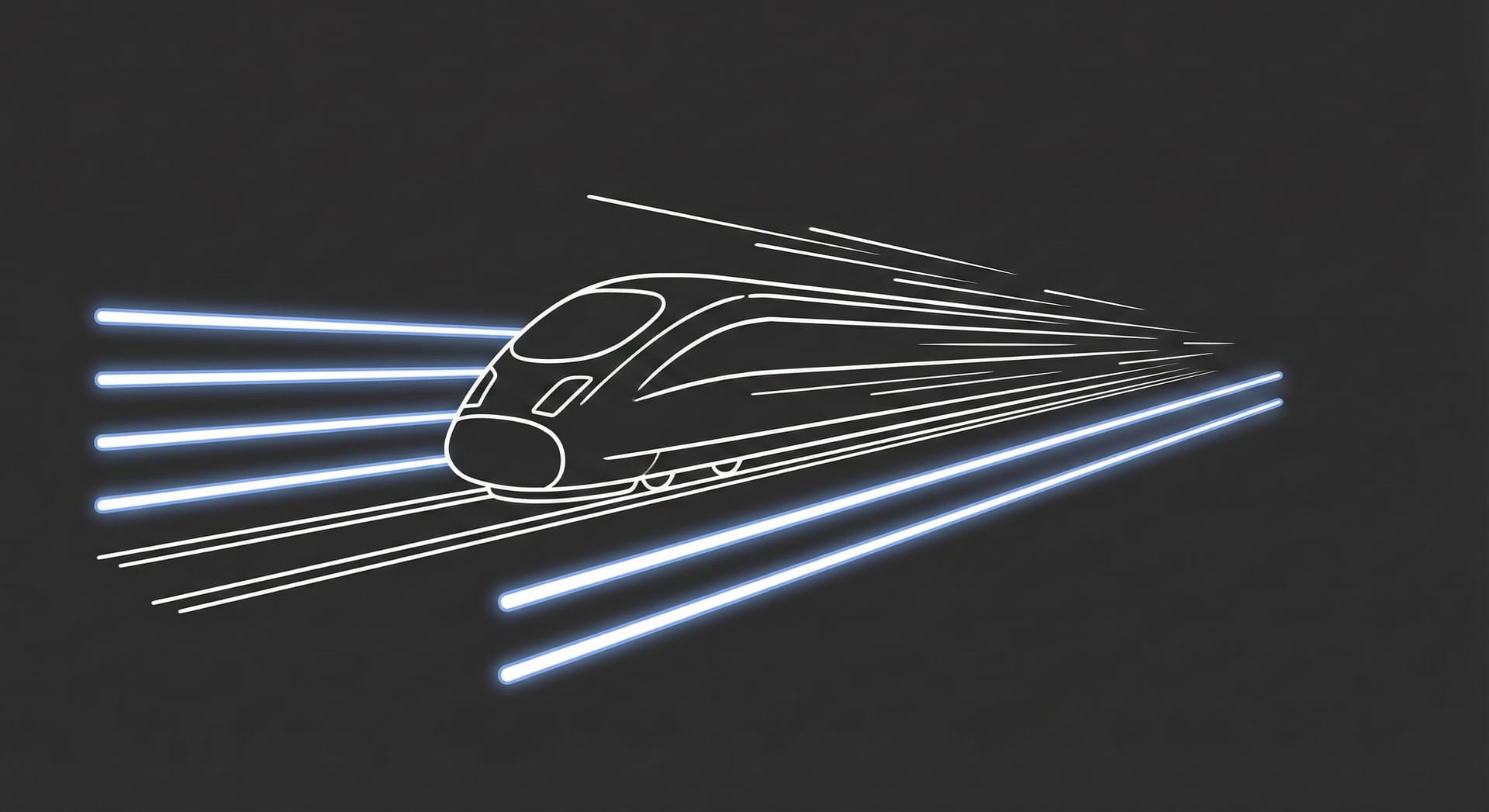
In most organizations, the Security Team is inadvertently positioned as the "Department of No."
This isn't because they want to stop innovation; it's a conflict of Cadence.
- DevOps optimizes for Velocity: Shipping small batches of code, multiple times a day, to get immediate feedback.
- Security optimizes for Assurance: Performing deep audits, penetration tests, and reviews that historically take days or weeks.
When you force a "Weeks-long" audit process onto a "Hours-long" deployment cycle, the gear mesh grinds to a halt. This friction creates Shadow IT. To meet deadlines, well-meaning developers might bypass the review process, deploying late at night to avoid the "Security Tax."
The solution is not to force developers to slow down. It is to make security run at the speed of code.
This is the promise of DevSecOps. It isn't just a buzzword; it is the architectural decision to move security checks from a manual "Gate" to an automated "Guardrail."
Here is how to automate compliance without destroying your deployment velocity.
1. The "Shift Left" Fallacy
You will hear consultants say: "We need to Shift Left!"
This means moving security checks earlier in the timeline (from Production back to Development).
The Trap:
Most companies interpret "Shift Left" as "Make the Developer do it."
They buy a heavy enterprise security scanner, plug it into the IDE, and suddenly the developer is bombarded with 500 alerts every time they save a file.
This is not Shifting Left; this is Shifting Blame.
The Reality:
Developers are not Security Engineers. If you flood them with false positives (noise), they will simply disable the plugin to get their work done.
True DevSecOps automates the check, not the worry.
2. The Automated Toolchain (The Invisible Police)
To make security invisible, you must embed it into the CI/CD pipeline. It should run like a unit test. If it passes, nobody notices. If it fails, the build breaks automatically.
Here are the three non-negotiable scanners you need:
Table 1: The DevSecOps Trinity
| Acronym | Name | What it does | When it runs |
| SCA | Software Composition Analysis | Checks your open-source libraries (npm, pip) for known vulnerabilities (CVEs). | On every git commit. |
| SAST | Static Application Security Testing | Scans your source code for bad patterns (SQL Injection, Hardcoded Passwords). | On every Pull Request (PR). |
| DAST | Dynamic Application Security Testing | Attacks your running application from the outside (like a hacker) to find bugs. | On Staging deploy. |
Visual Diagram: The Pipeline
Diagram Description: A linear flow chart.Code Commit $\rightarrow$ SCA Scan (Check Libraries) $\rightarrow$ SAST Scan (Check Code) $\rightarrow$ Build Artifact $\rightarrow$ Container Scan $\rightarrow$ Deploy to Staging $\rightarrow$ DAST Scan (Attack App).Color coding: All scans are Green (invisible) unless they find a Critical issue, then they turn Red (Blocker).
3. The Rule of "Critical Only"
The fastest way to kill a DevSecOps initiative is Noise.
If your scanner blocks a deployment because of a "Low Priority" vulnerability (e.g., a missing header or a theoretical risk), your Lead Engineer will revolt.
The Protocol:
- Block the Build only for Critical and High severities. (e.g., Log4j, AWS Keys in code).
- Warn (but allow) for Medium and Low. Automatically push these into a Jira/Linear backlog to be fixed in the next sprint.
- The "Break Glass" Button: Sometimes, a Critical vulnerability is a false positive, or you are fixing a production outage. You must give Senior Engineers a "Skip Security" button to force a deploy—but every click must trigger an alert to the CISO.
4. Compliance as Code (Solving the ISO Audit)
In our previous article on ISO 27001, we discussed the "Trust Tax."
Auditors love to ask: "Show me evidence that you review code for security."
In the old world, you would scramble to find screenshots of Jira tickets from 6 months ago.
In the DevSecOps world, the Pipeline is the Evidence.
You can configure your CI/CD (GitHub Actions / GitLab CI) to generate a "Compliance Artifact" for every deploy:
- Commit SHA: a1b2c3
- Deployed by: John Doe
- SCA Scan: Passed
- SAST Scan: Passed
- Approval: Jane Smith
When the auditor arrives, you don't offer screenshots. You export the build logs. You have mathematically proven that no un-scanned code ever reached production.
Summary
Security is not a separate phase to be "done" at the end. It is a quality attribute, just like "Performance" or "Uptime."
If your security relies on a human being reading code at 5 PM on a Friday before a release, you are already vulnerable.
- Automate the scan: Use SCA and SAST.
- Filter the noise: Block only on Critical.
- Bank the evidence: Let the pipeline document the compliance.
Make the secure path the path of least resistance.
No spam, no sharing to third party. Only you and me.


Member discussion